






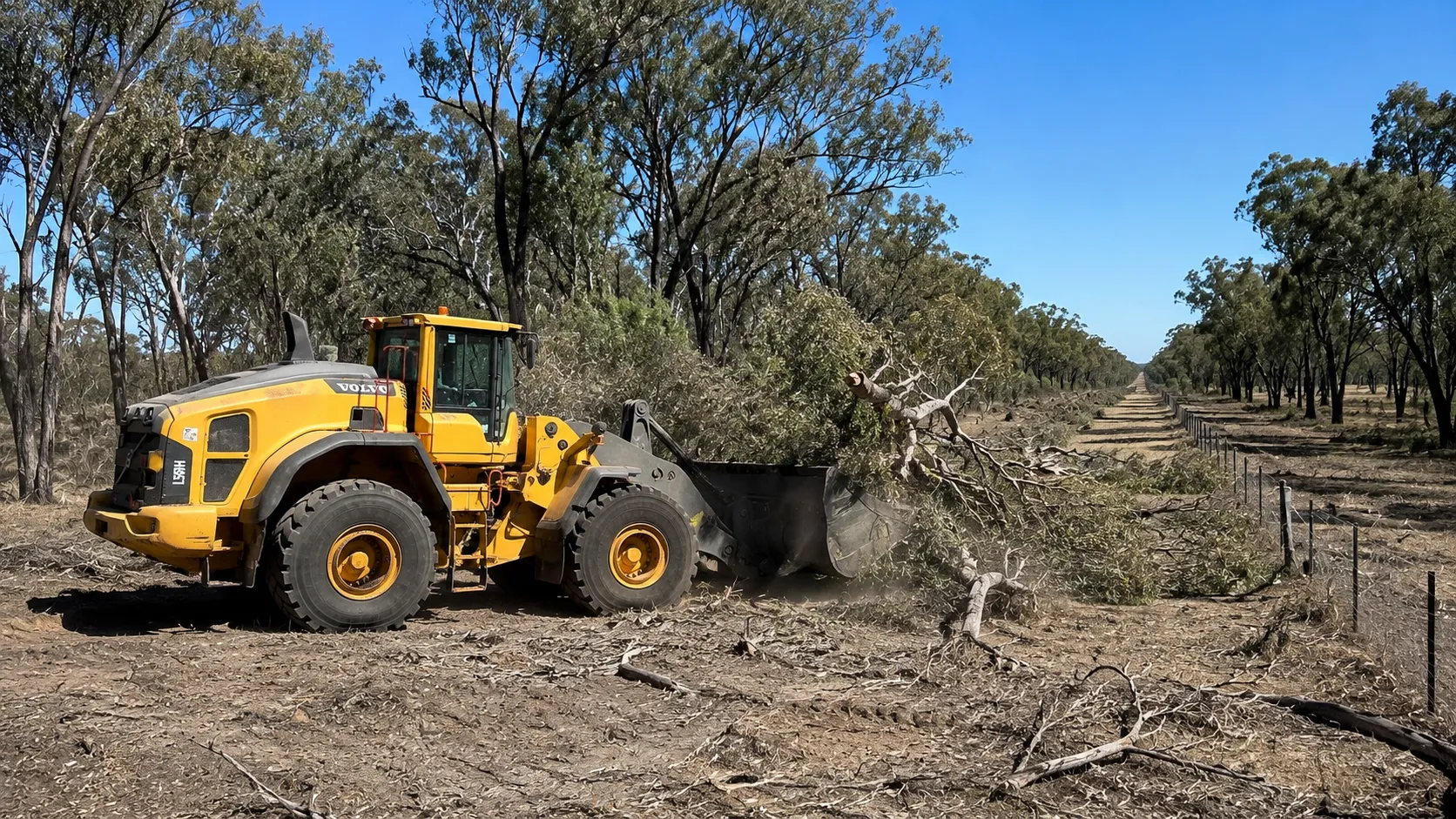
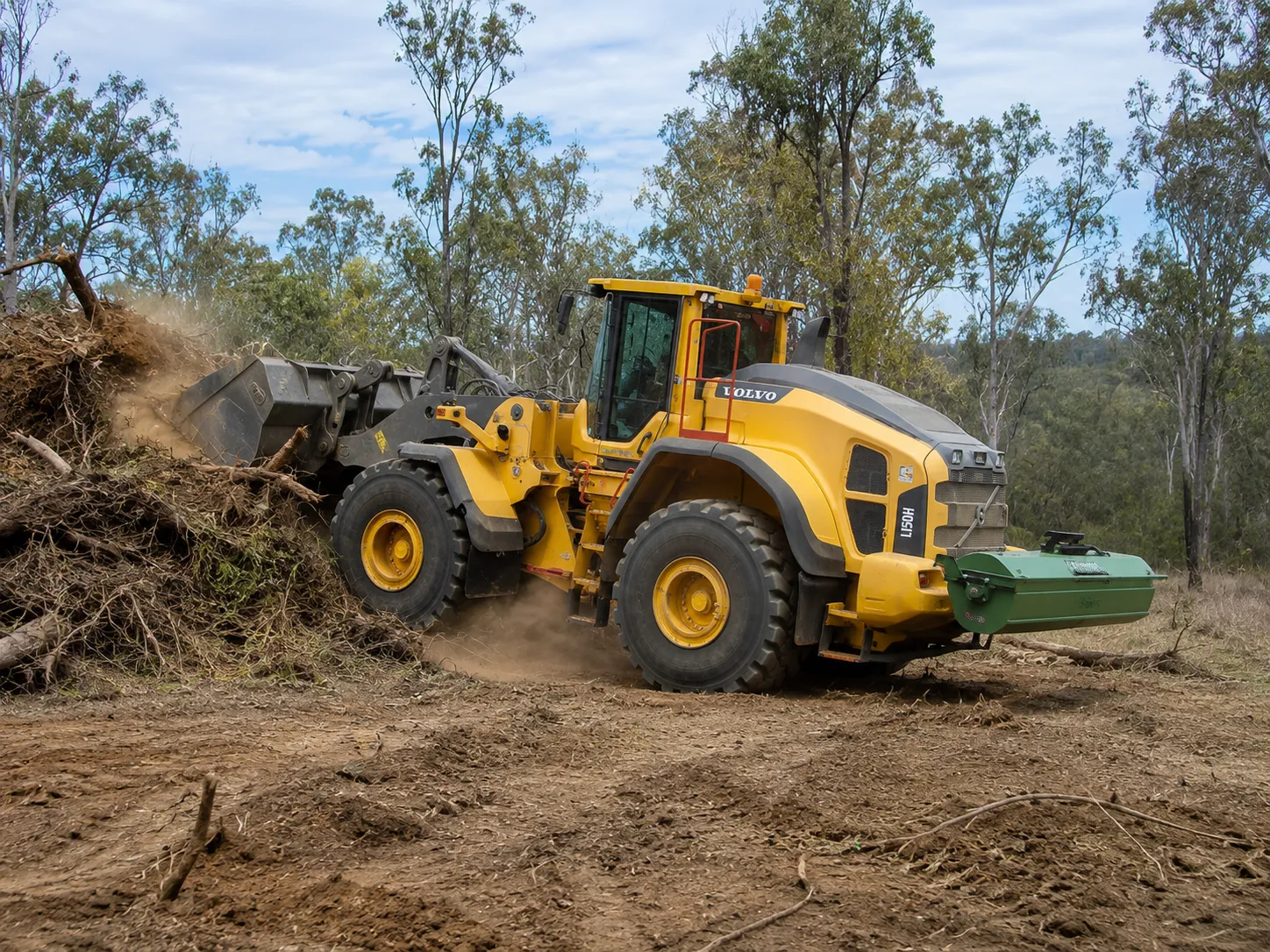
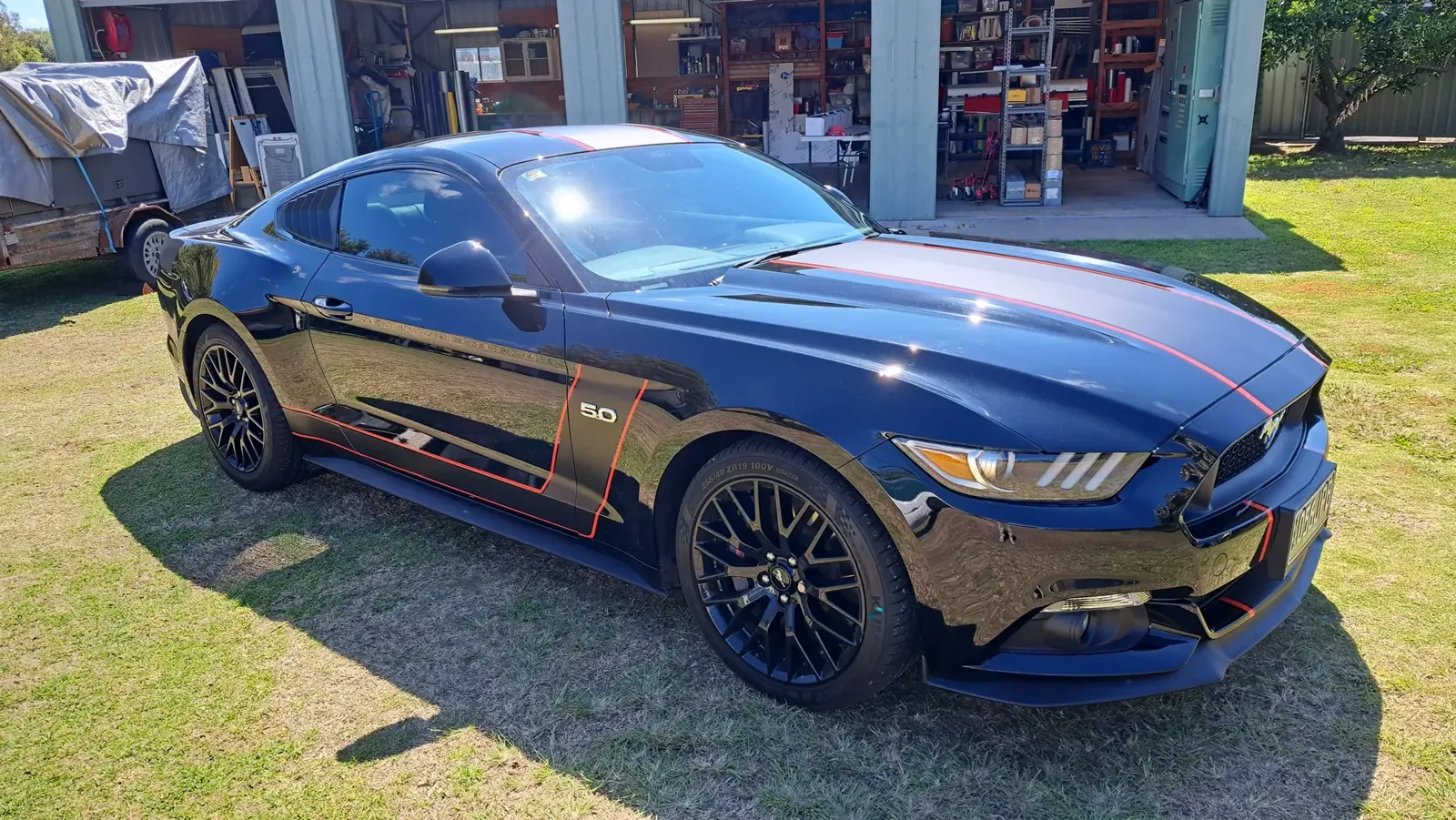
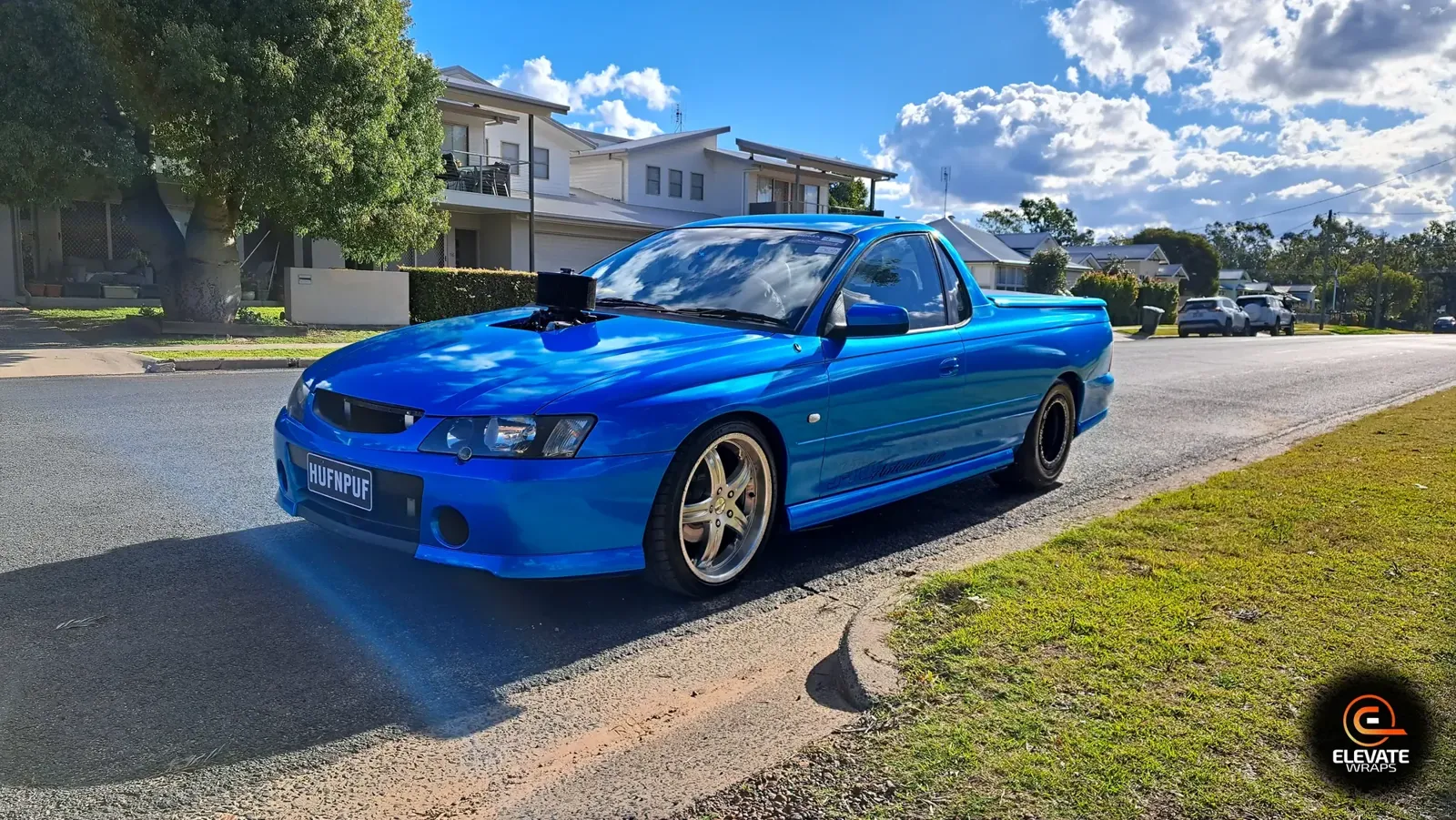


Why photos matter so much
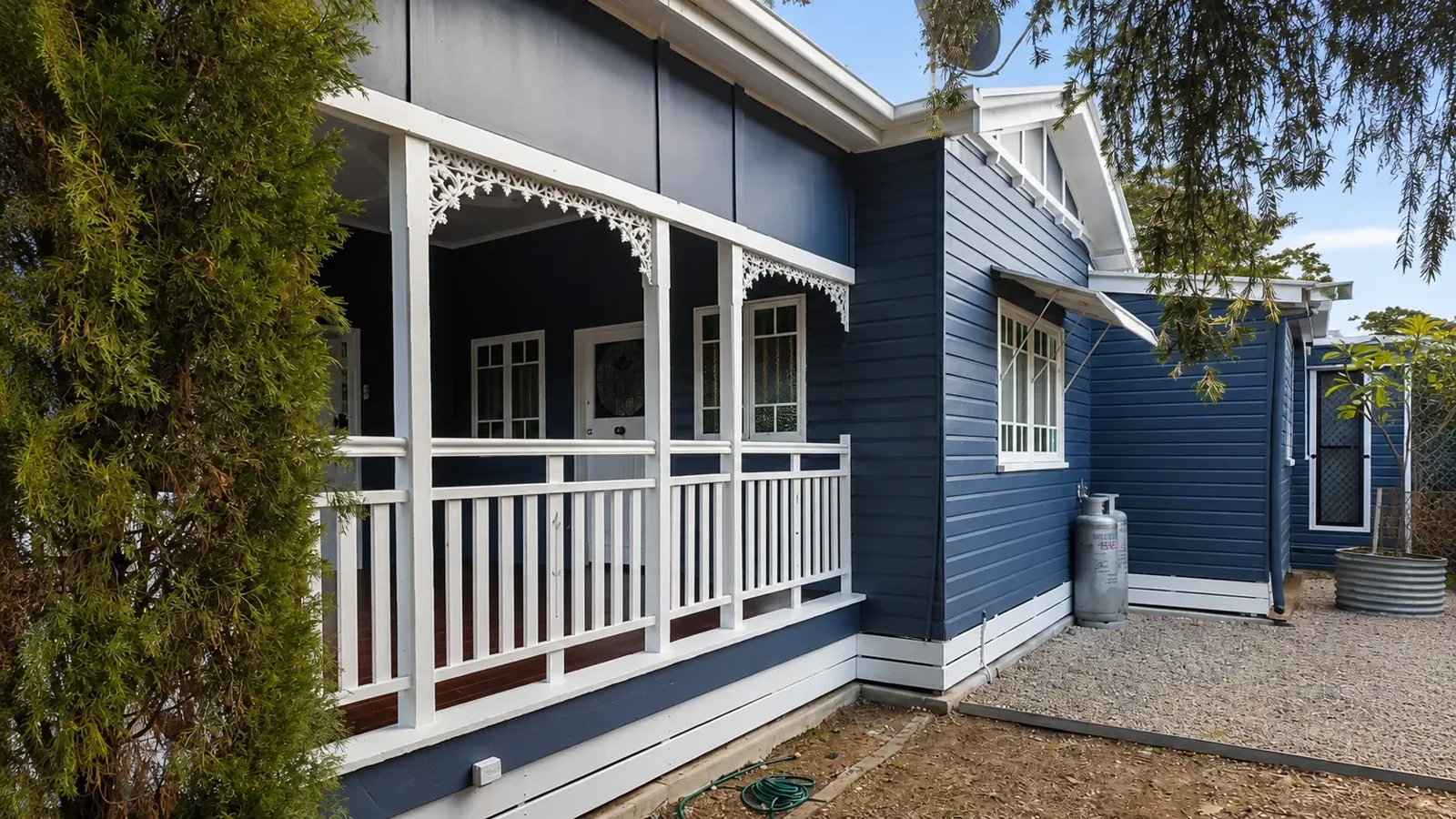
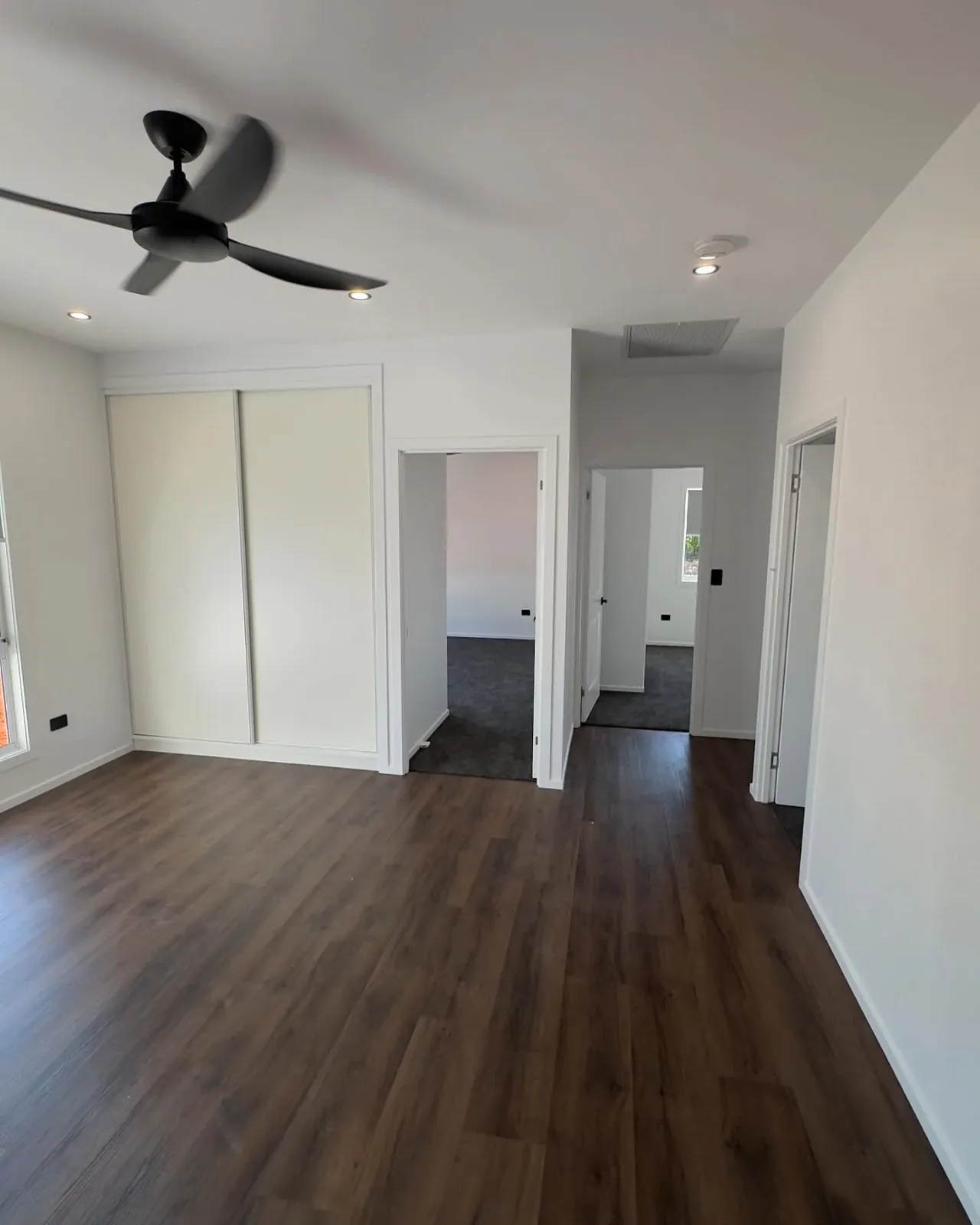
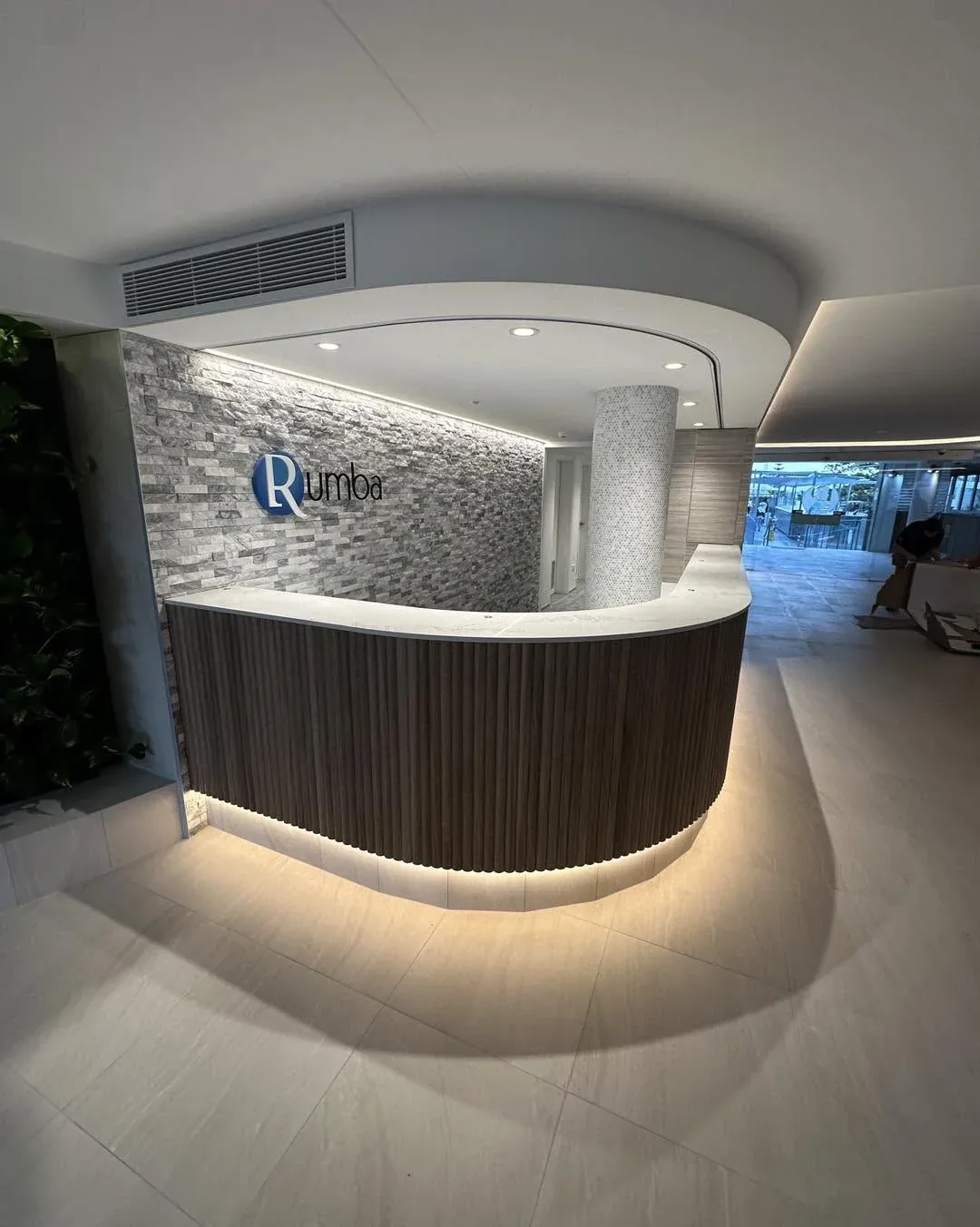
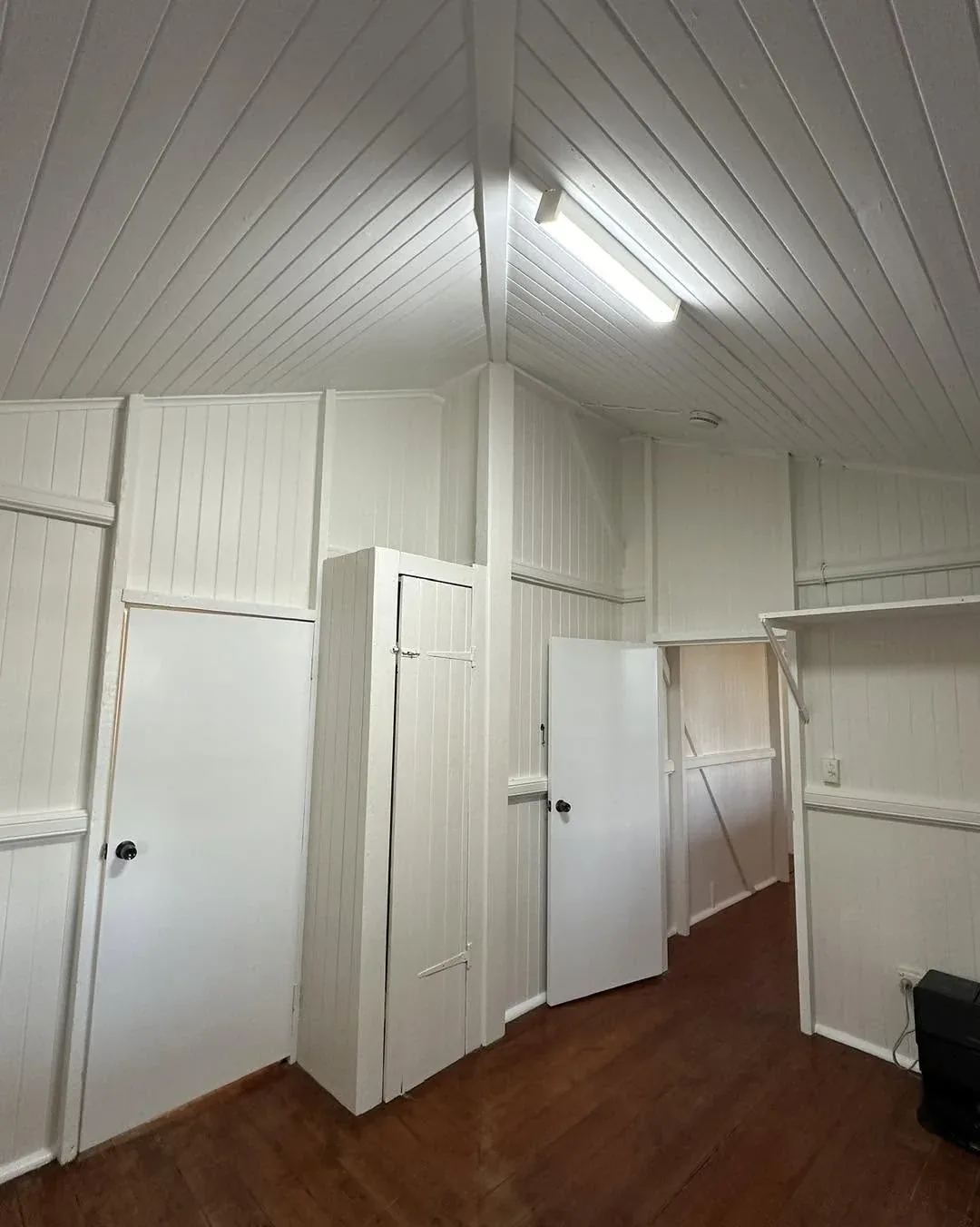
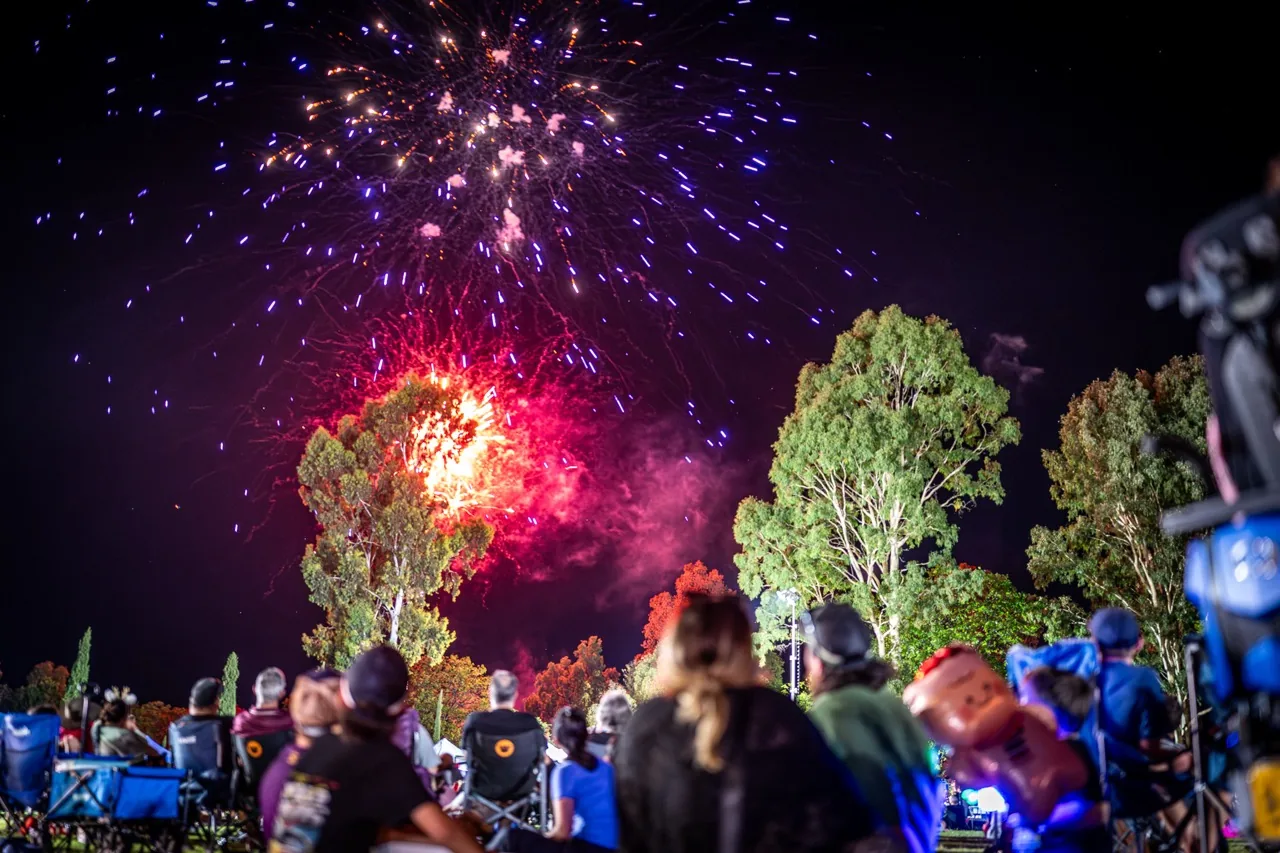
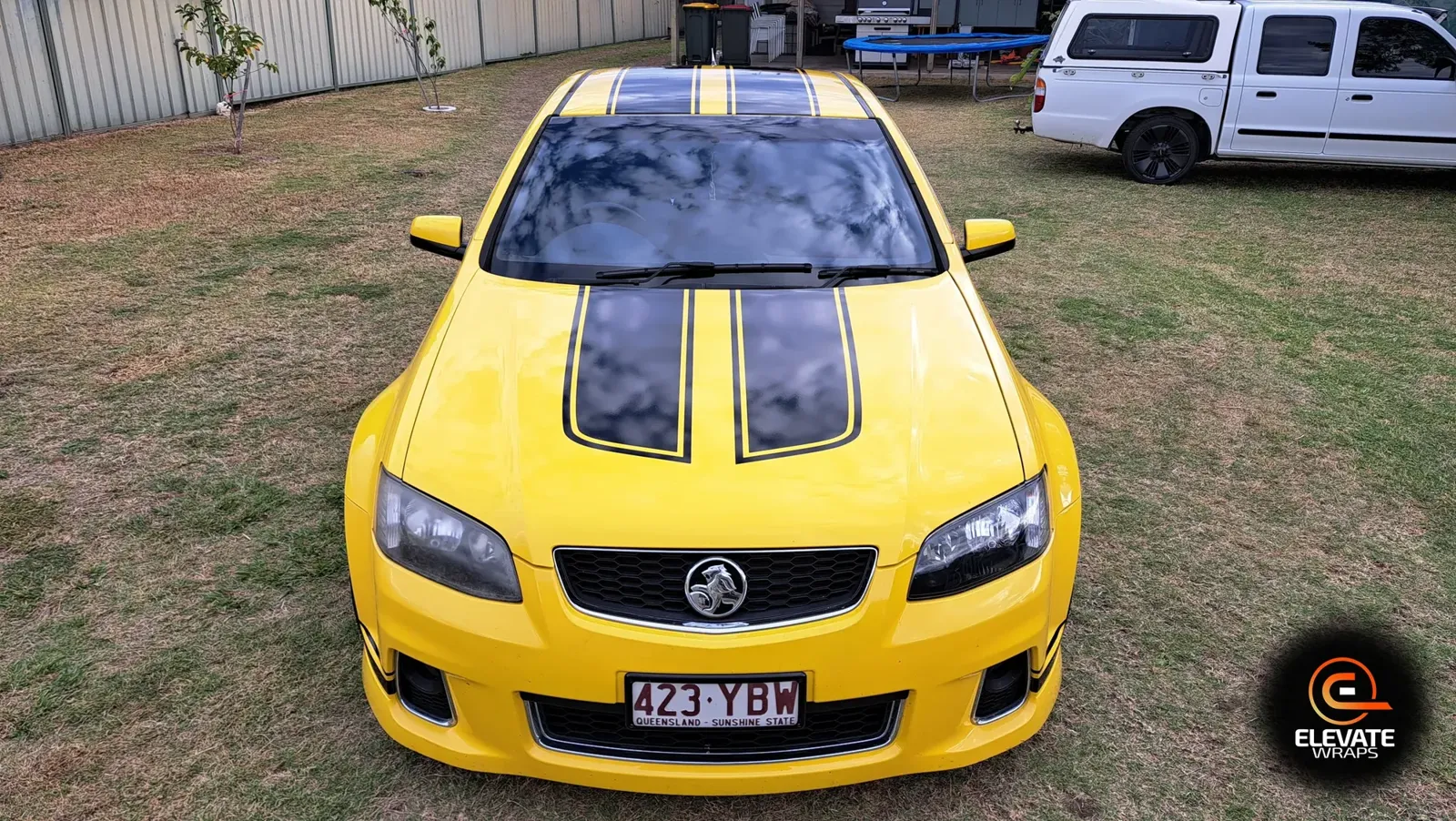
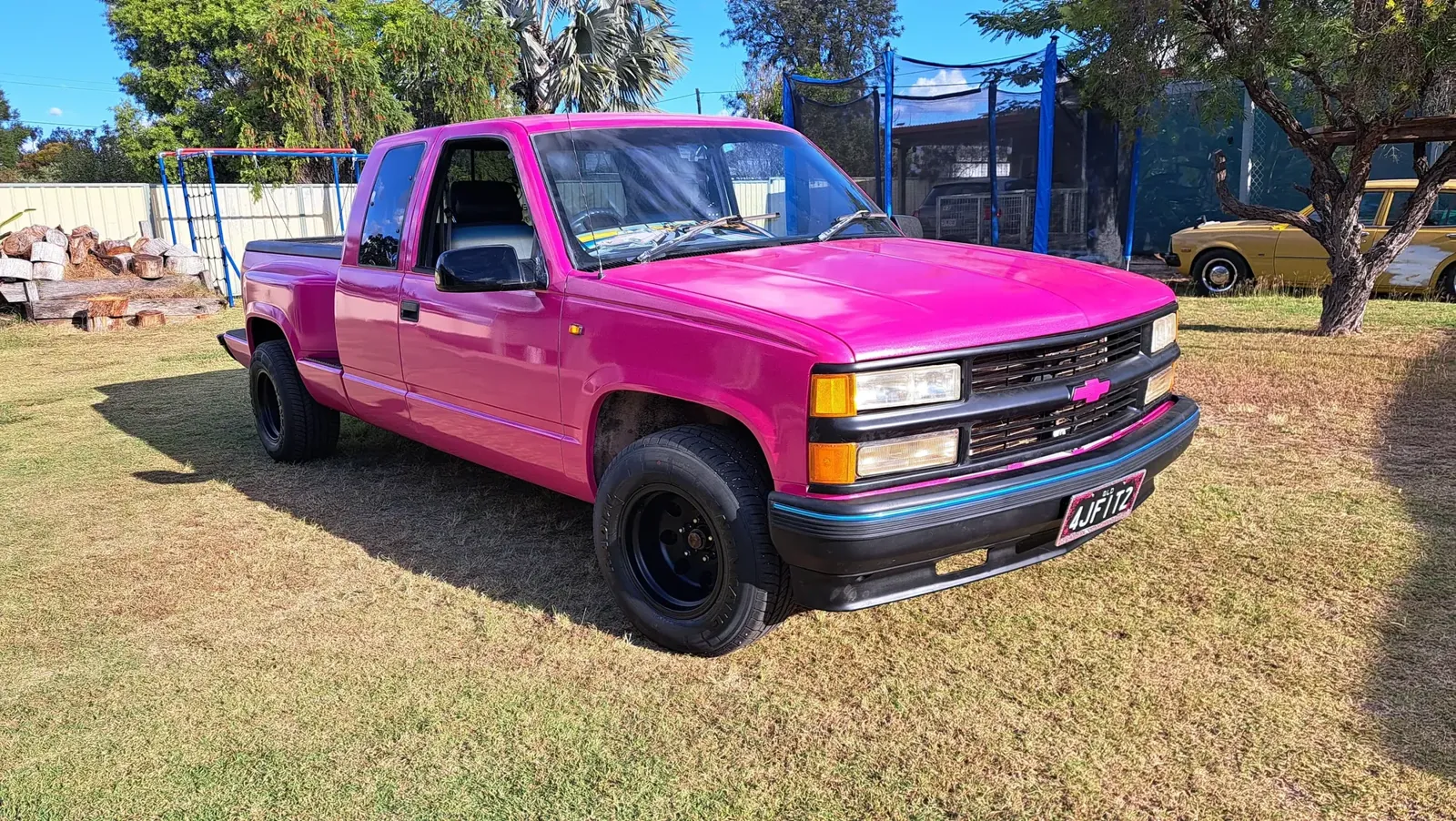
People choosing who to hire cannot visit your last ten jobs. They see the photos. It is common for an established business to have done excellent work for years and have almost nothing to show for it, because nobody stopped to take a picture. The same goes for a charity's programs or a chamber's events. People judge on what they can see.
What to capture on every job
A simple shot list covers most of what clients look for:
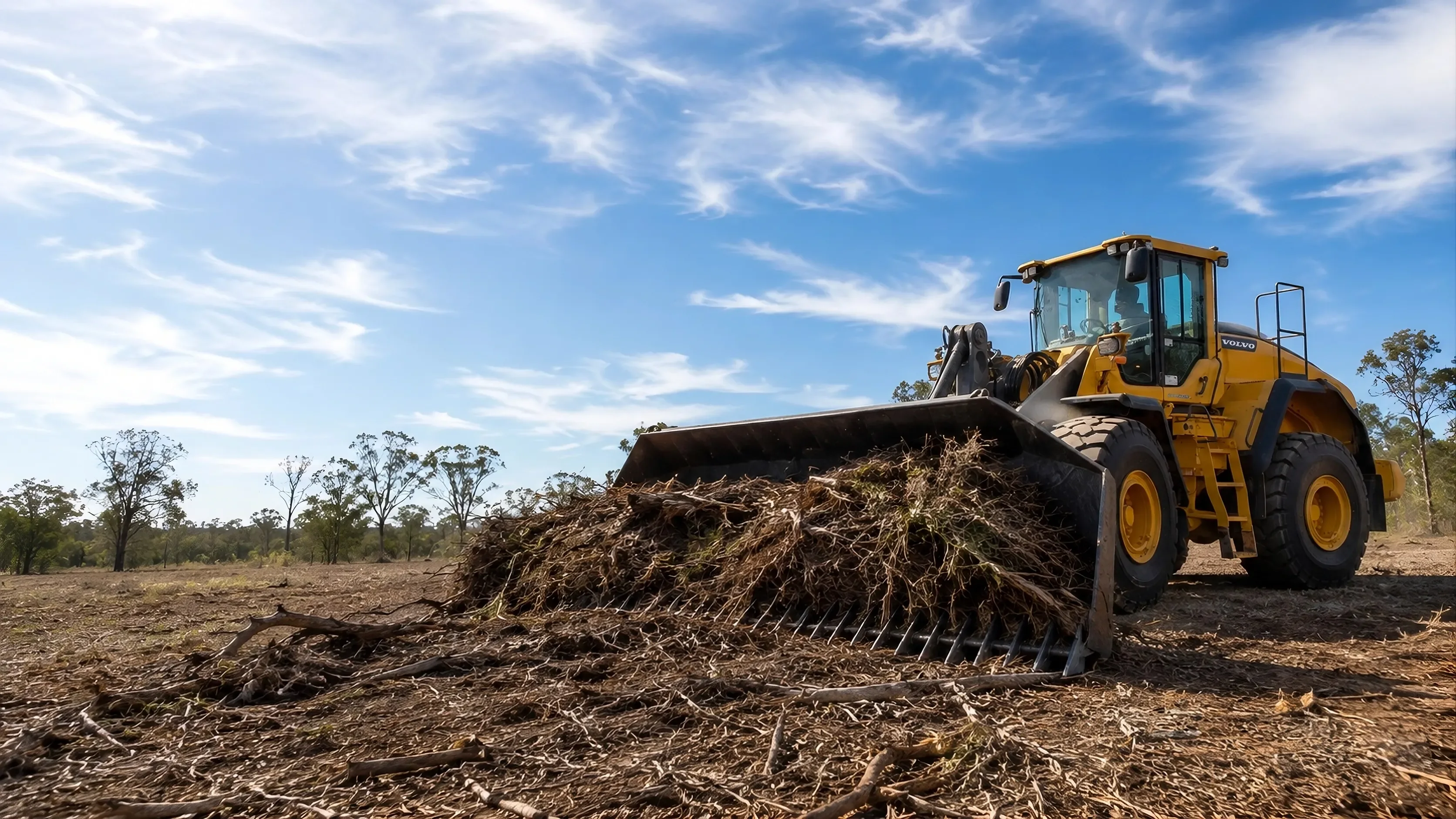
- Before. The site as you found it, from a spot you can return to.
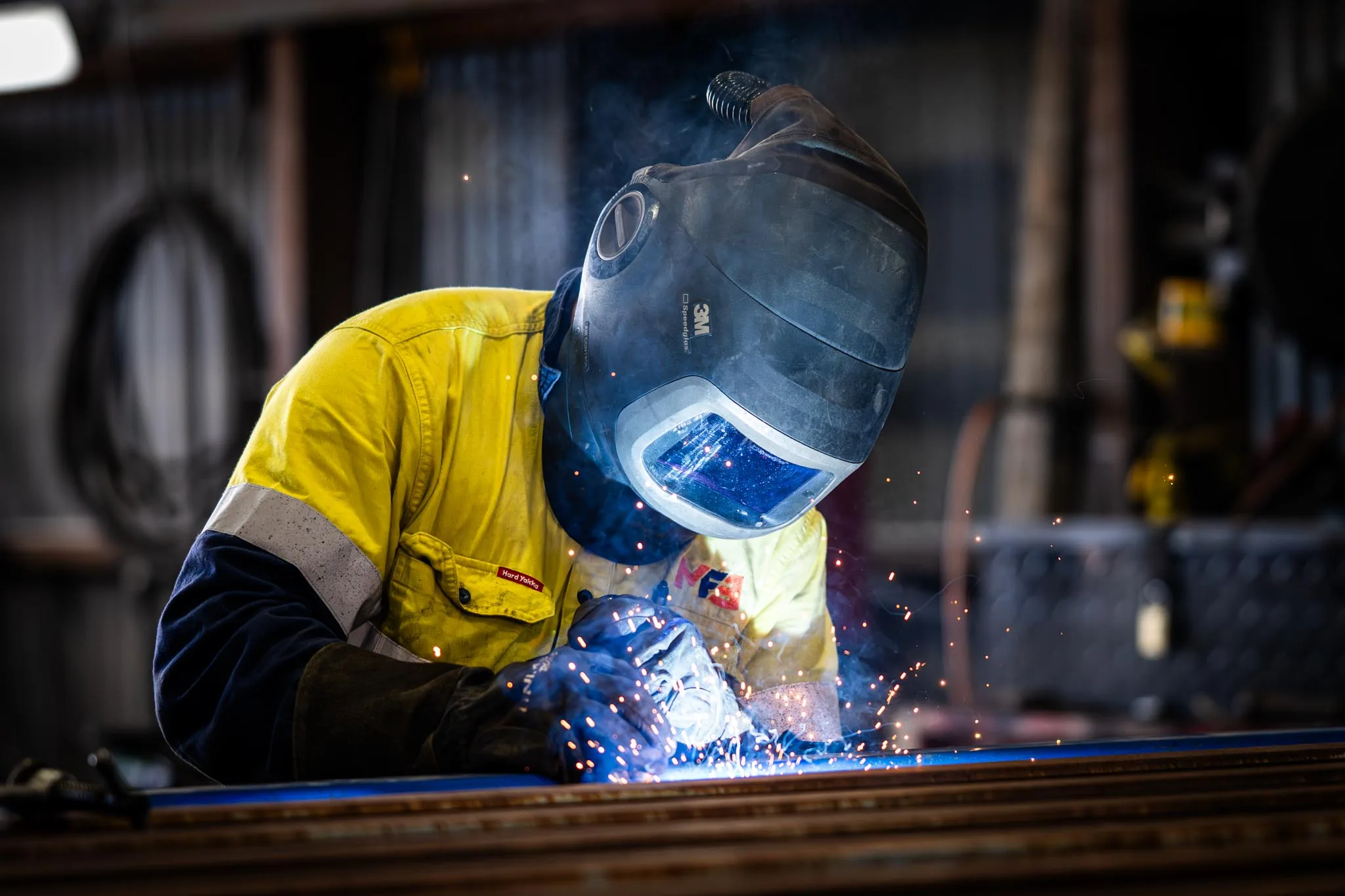
- During. Two or three shots of the work in progress: the crew, the plant, the detail that takes skill.
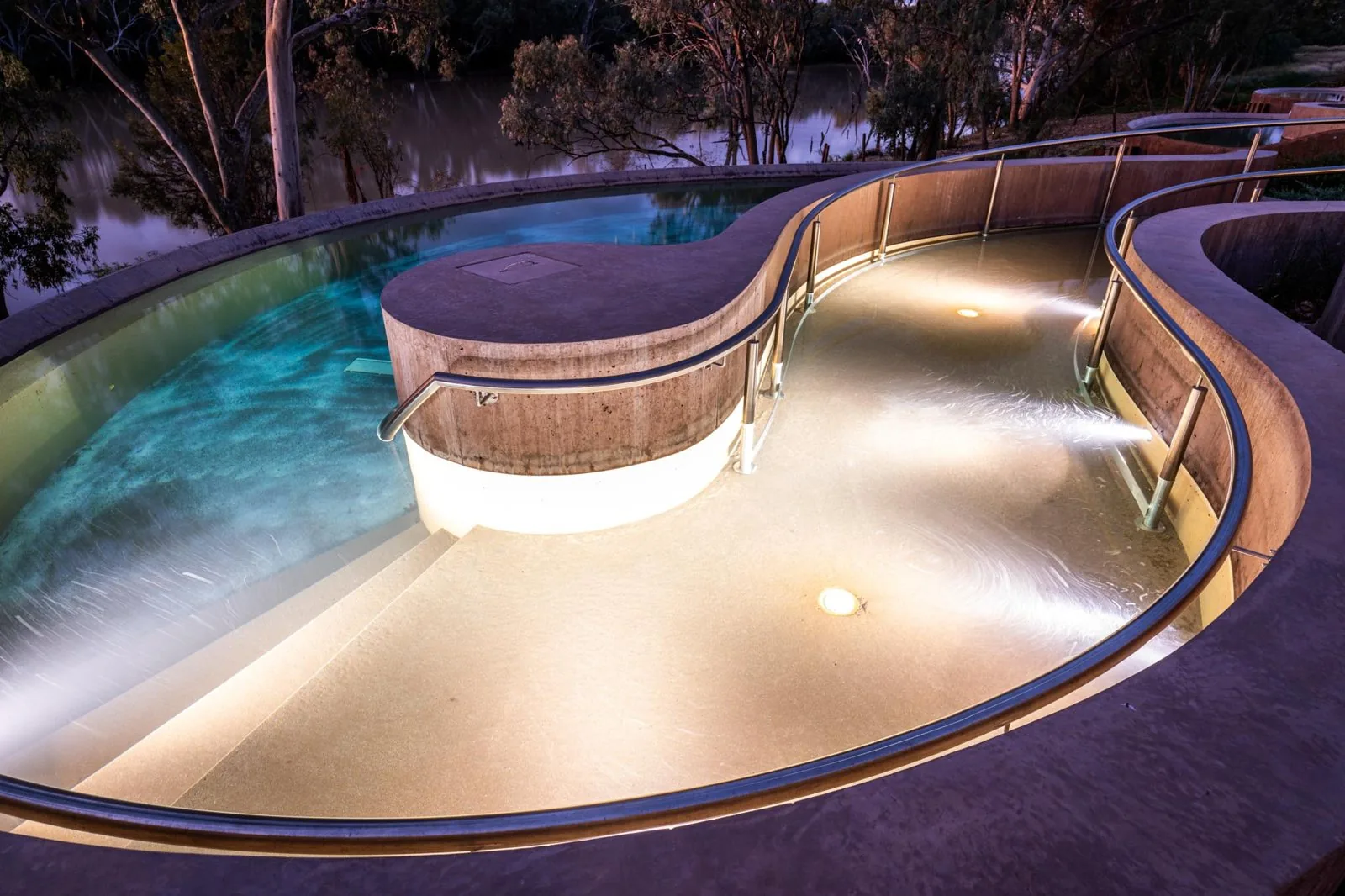
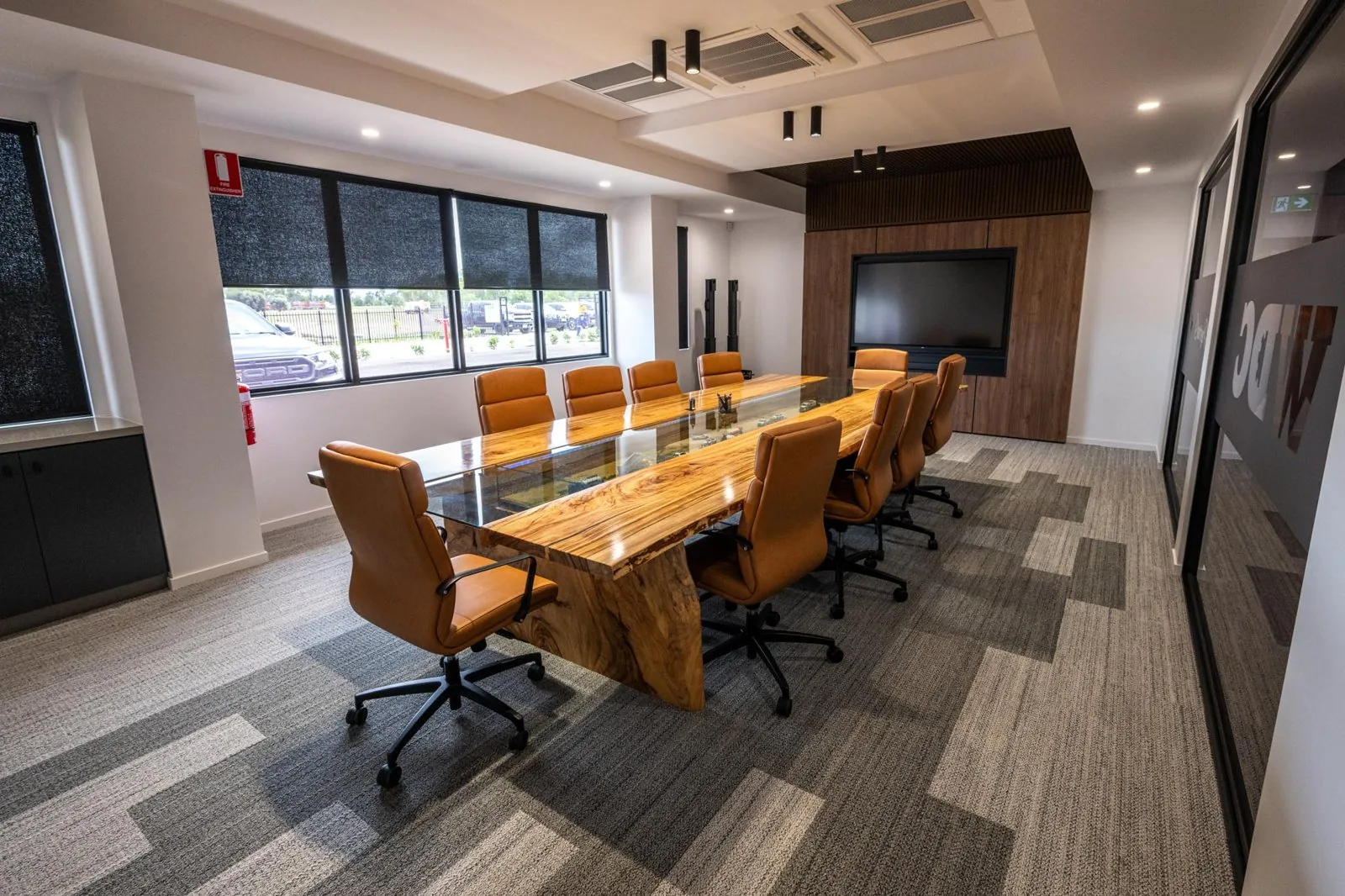
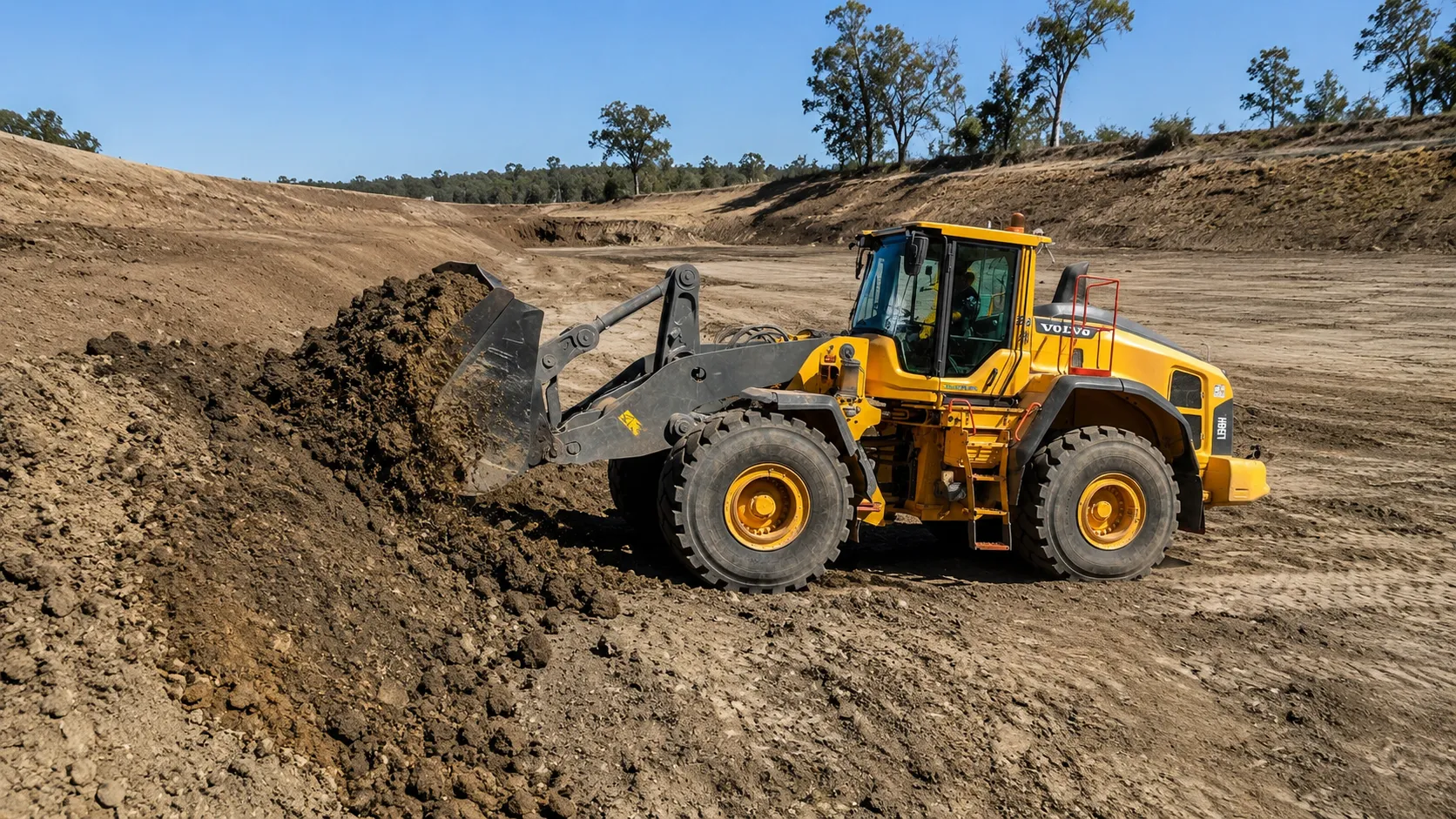
- After. A wide shot of the finished job from the same spot as the before, then two or three closer shots of the details.
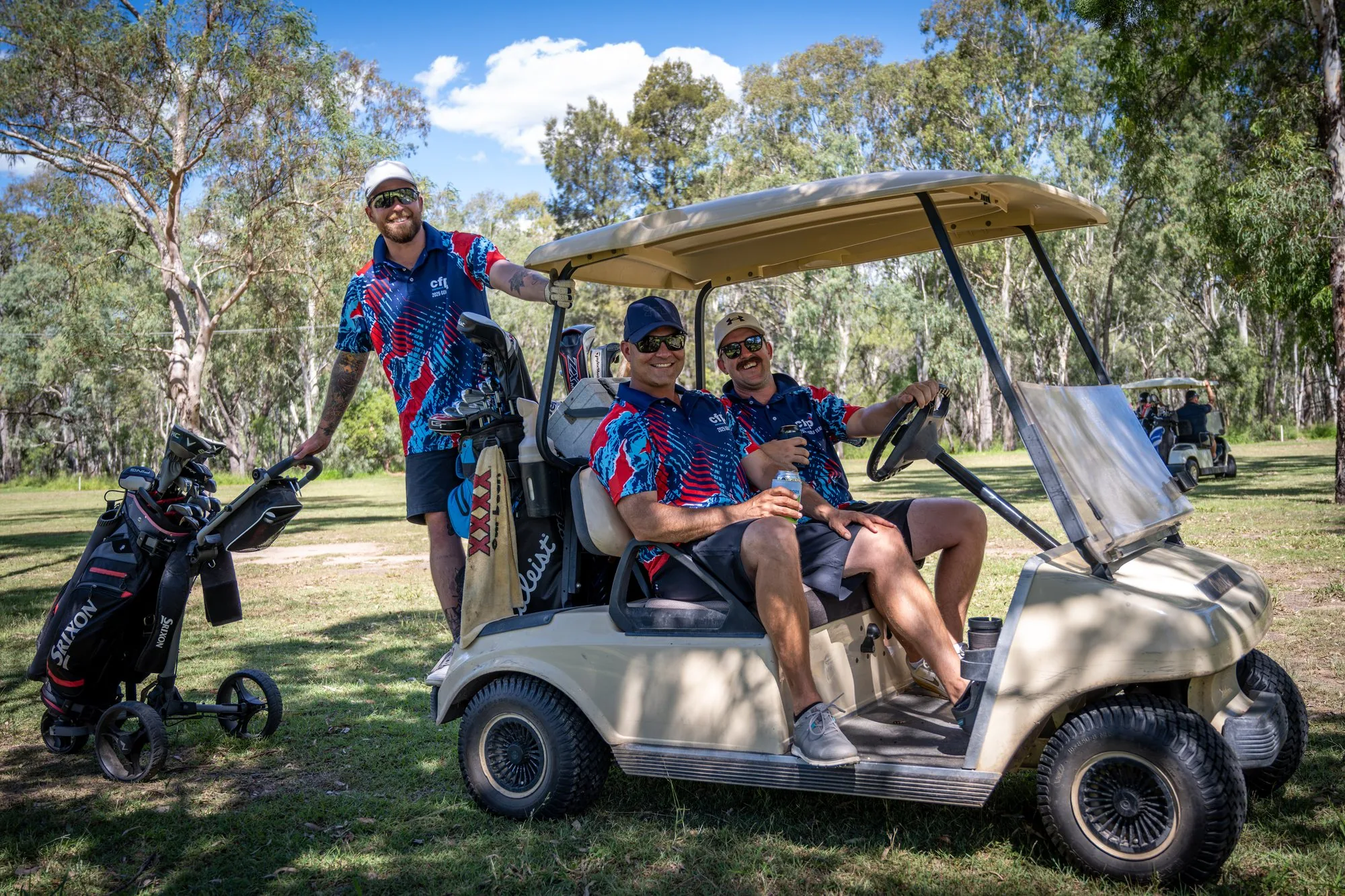
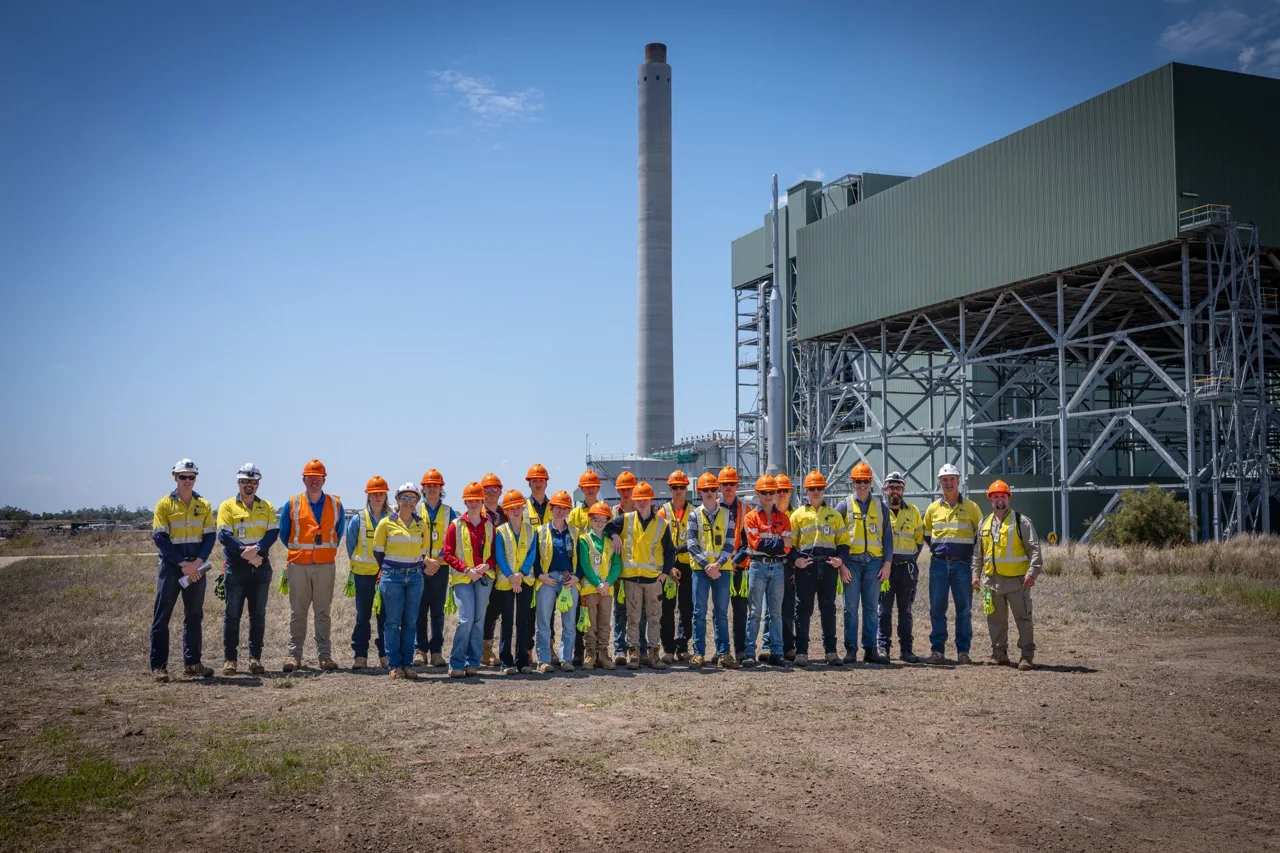
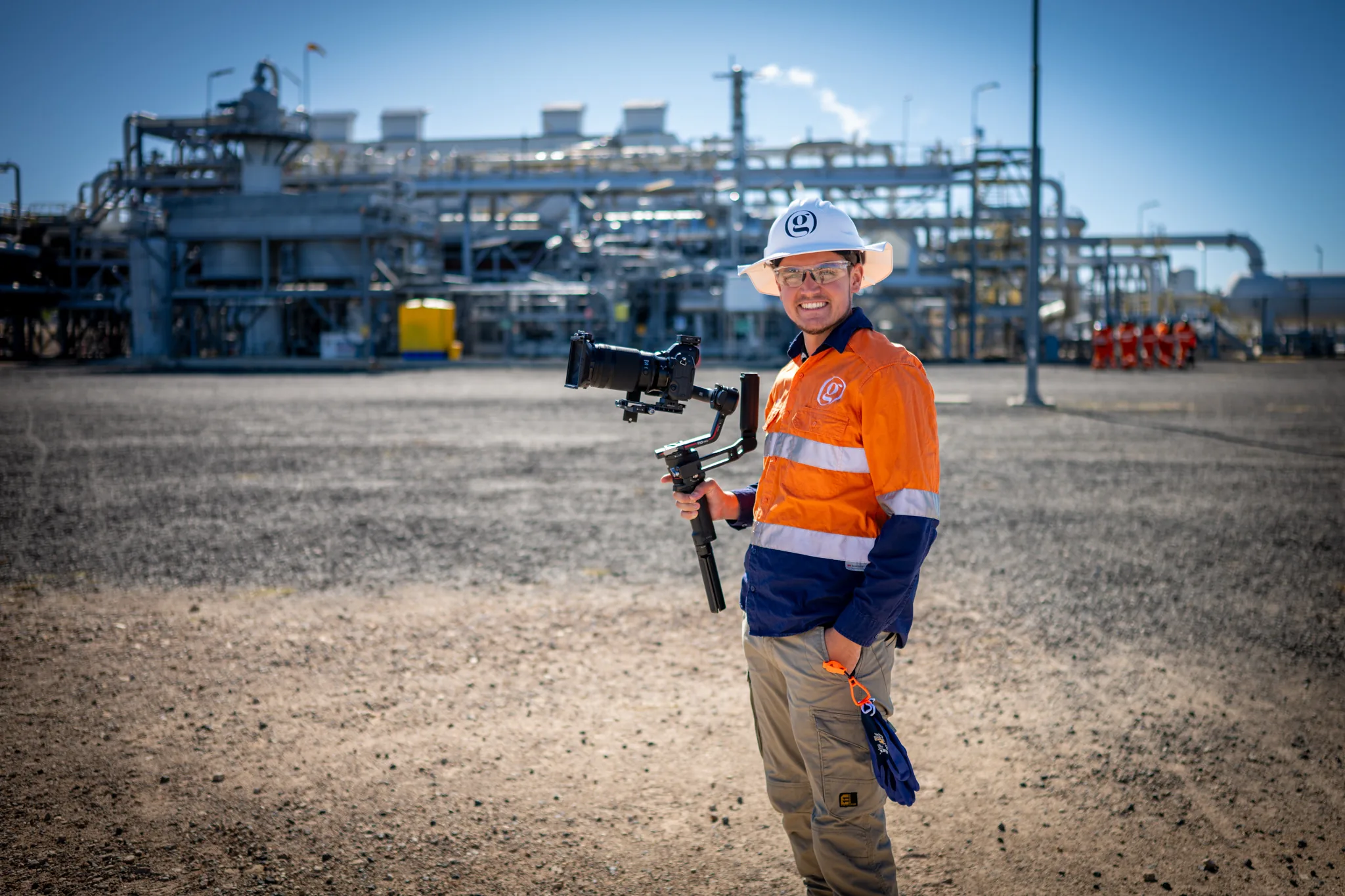
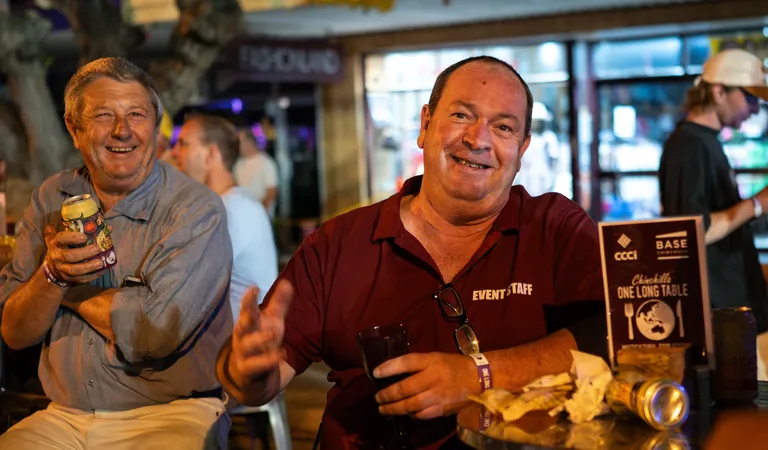
- People. The crew on site, in uniform, with the job behind them.
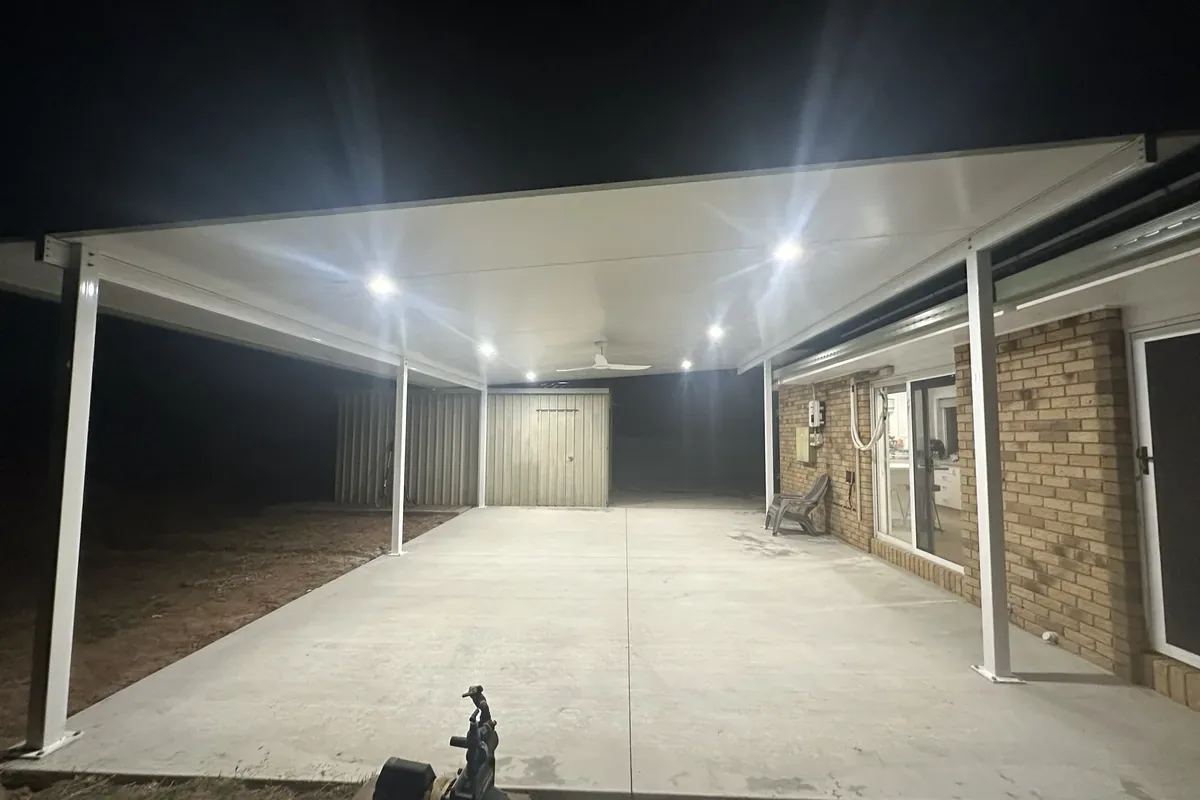
Shoot in good light, keep the frame tidy and hold the phone level. Google says sharp, clear images appeal to people more than blurry ones, and asks for profile photos that are in focus, well lit and not heavily filtered.
When to bring in a professional crew
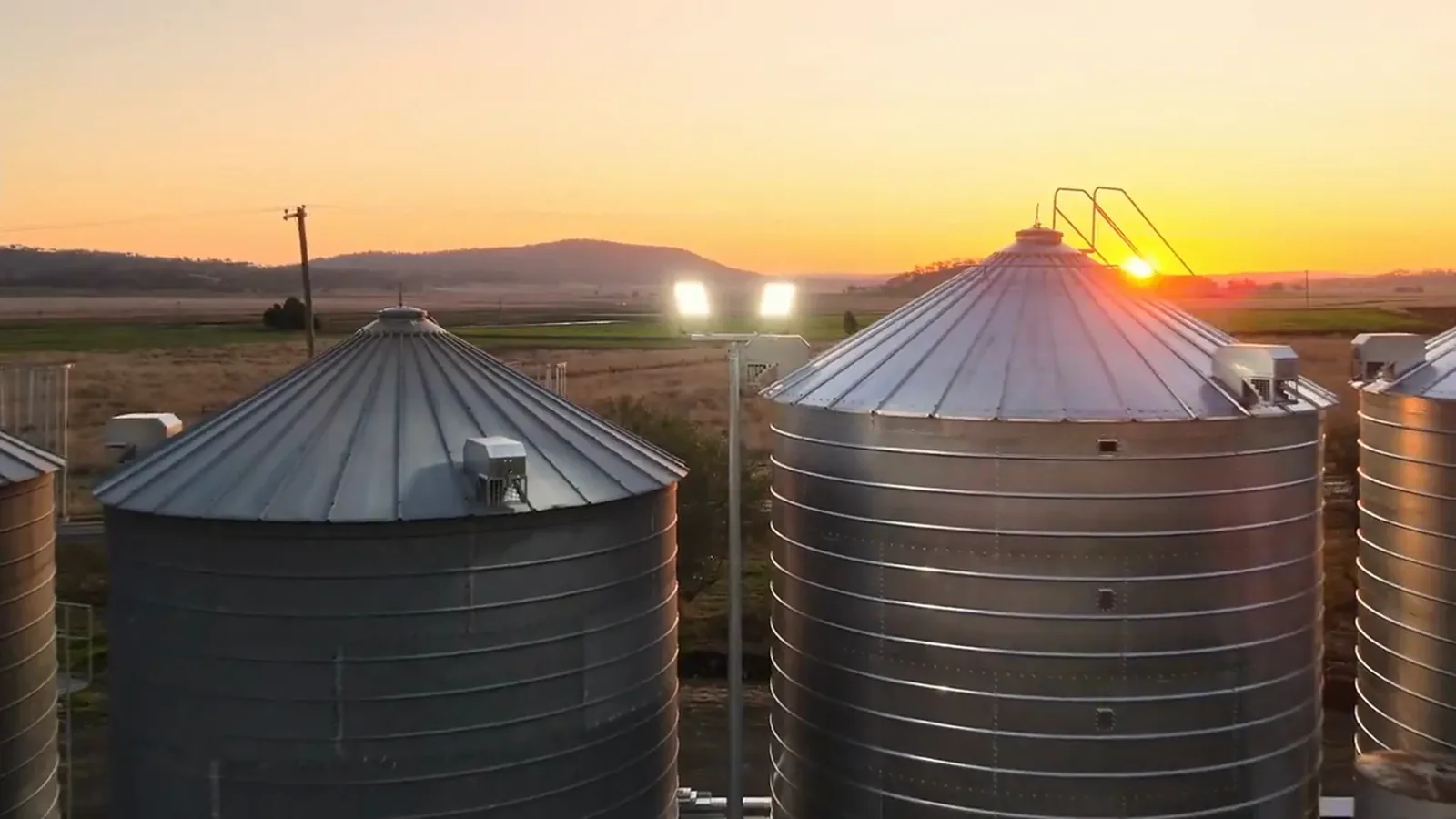
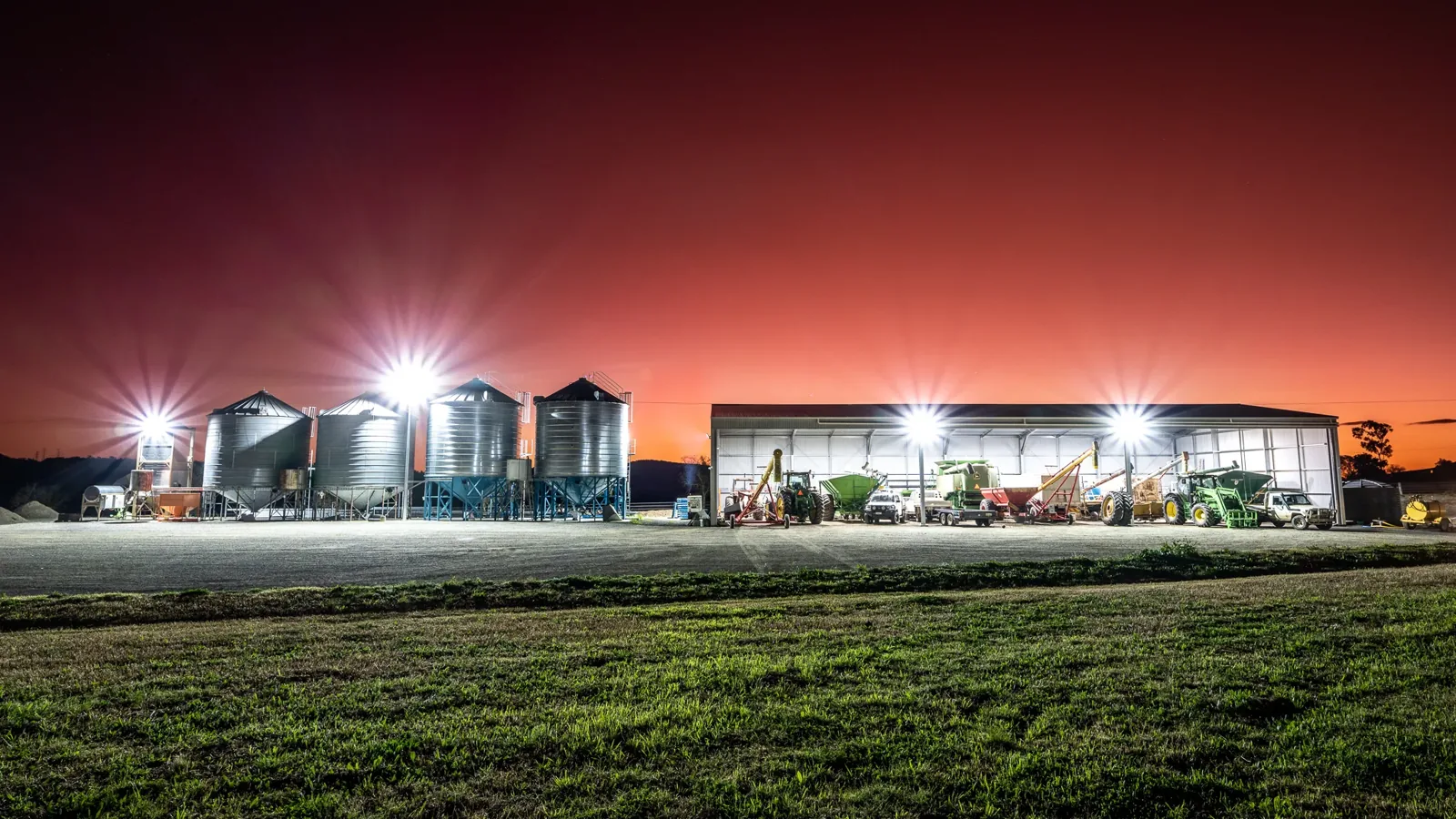
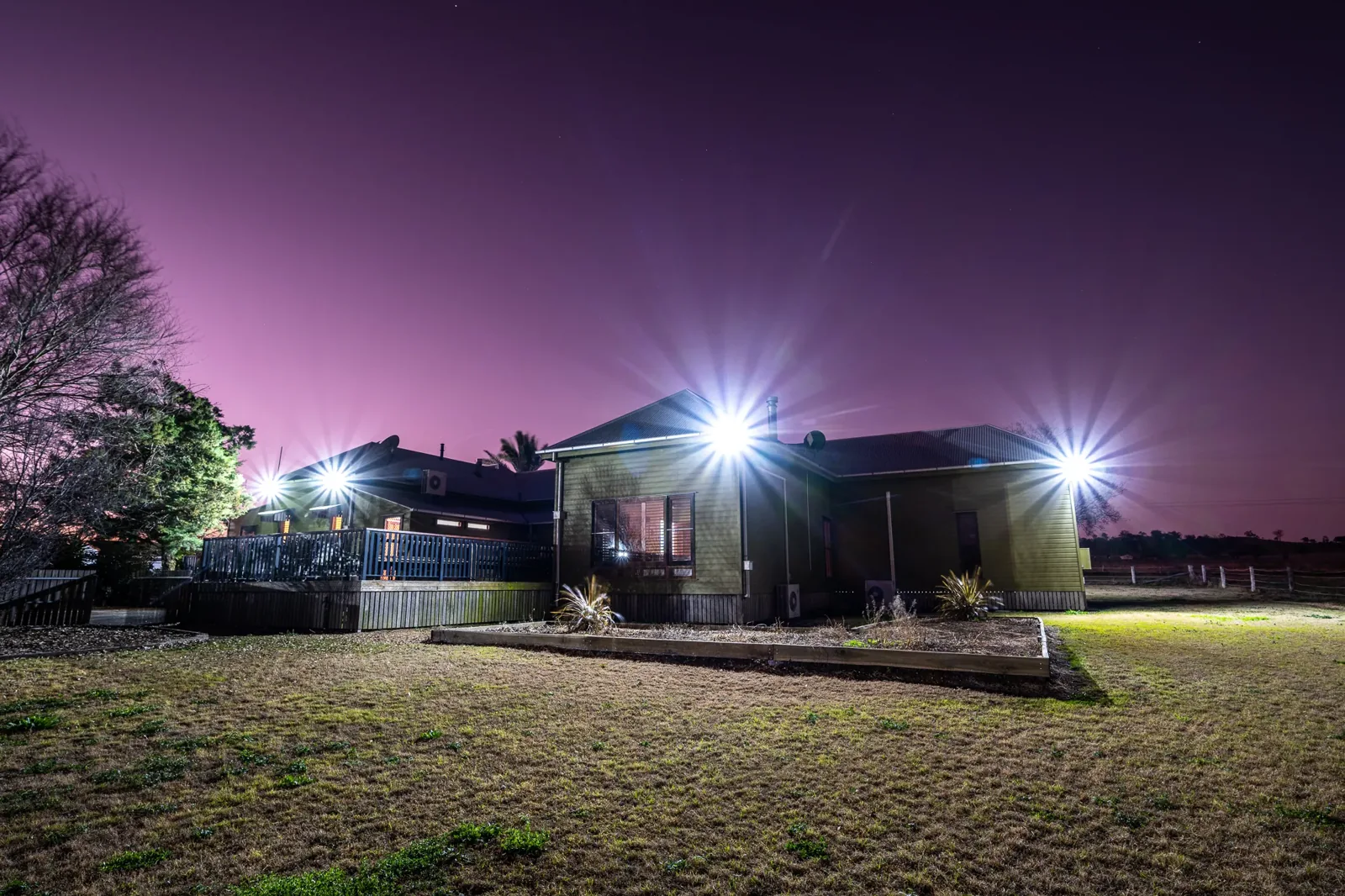
Phone photos on every job build a library. For the jobs closest to the work you most want to show, bring in a professional crew. These shots lead your website, your case studies and your Google profile, so they are worth planning. A good crew knows how to show scale, how to light a finished space and when to put a drone up.
Drone footage is worth it when the size of the job is the point: earthworks, civil jobs, large sheds, solar farms and farm work. Drone flying is regulated by CASA, so use a crew that flies within its rules.
Use the shots everywhere
Photos do the most work inside a case study, beside the story of the job. Then use them on your Google profile, in social posts and in quotes for similar work. Give each photo on your website a plain description of what it shows, such as "bulk earthworks for a shed pad near Dalby". Google says it uses alt text along with the page to understand an image.
How we do it
We plan the shots, organise the photos and footage, including drone footage where the job suits it, then write the case study and build it into the website. Shoots are quoted separately. If you are not sure which of your jobs are worth filming, the First Impression Review is a good place to start, at no cost.
A useful next step
Something to try this week.
This week, make a shared album on your phone named Jobs, and ask every crew leader to add five photos from each job: the site before, two during, the finished job and the crew. In a month you will have a library to choose from, and you will know which job to film properly next.