






























Google, ChatGPT and AI search

Google Business Profile for B2B businesses: what to fill in and why

How a business that works for other businesses should set up its Google Business Profile, from service areas and services to photos, posts and reviews, so business clients see the work it does now.

Illustrated
What a buyer sees today What they see after
  • Category and description A general trade category and one line of text The main category for your core work, and a plain description
  • Service areas A home address on the map The towns and regions you work across
  • Services Three suggested services Every service, in the words a buyer uses
  • Photos A logo and an old ute Recent commercial jobs, crew and plant
  • Updates Nothing posted in two years A finished job posted each month
  • Reviews Five reviews from home clients Recent reviews from business clients that name the job
One profile, before and after. An illustrated B2B Google Business Profile, showing what a commercial buyer sees today and after it is set up to show the work the business does now.

Why it matters for business clients

A Google Business Profile is often thought of as something for cafes and shops. It matters just as much when your clients are other businesses. A project manager given your name will often search for it on a phone. The first thing they see is usually your profile: your reviews, your photos, your areas and a link to your website. Chambers, charities and schools are checked the same way, by members, donors and families.

It also feeds what Google, ChatGPT and AI search say about you. Google says local results depend on relevance, distance and prominence, and that complete, accurate information makes a business more likely to appear.

Set service areas instead of a shop front

Most B2B businesses work on the client's site. Google says that if you do not serve customers at your address, you should remove the address and set service areas instead. You can list up to twenty towns, postcodes or regions, though not a radius. Google suggests keeping the whole area within about two hours' drive of your base.

Pick the towns where you most want to work, as well as where you are based.

List every service, in a buyer's words

Google suggests services based on your category. Add your own as well. Google lets you create custom services with a short description for each one. Use the words a buyer would search for: "commercial switchboard upgrades", "bulk earthworks", "structural steel fabrication". Leave prices out.

Show recent commercial work

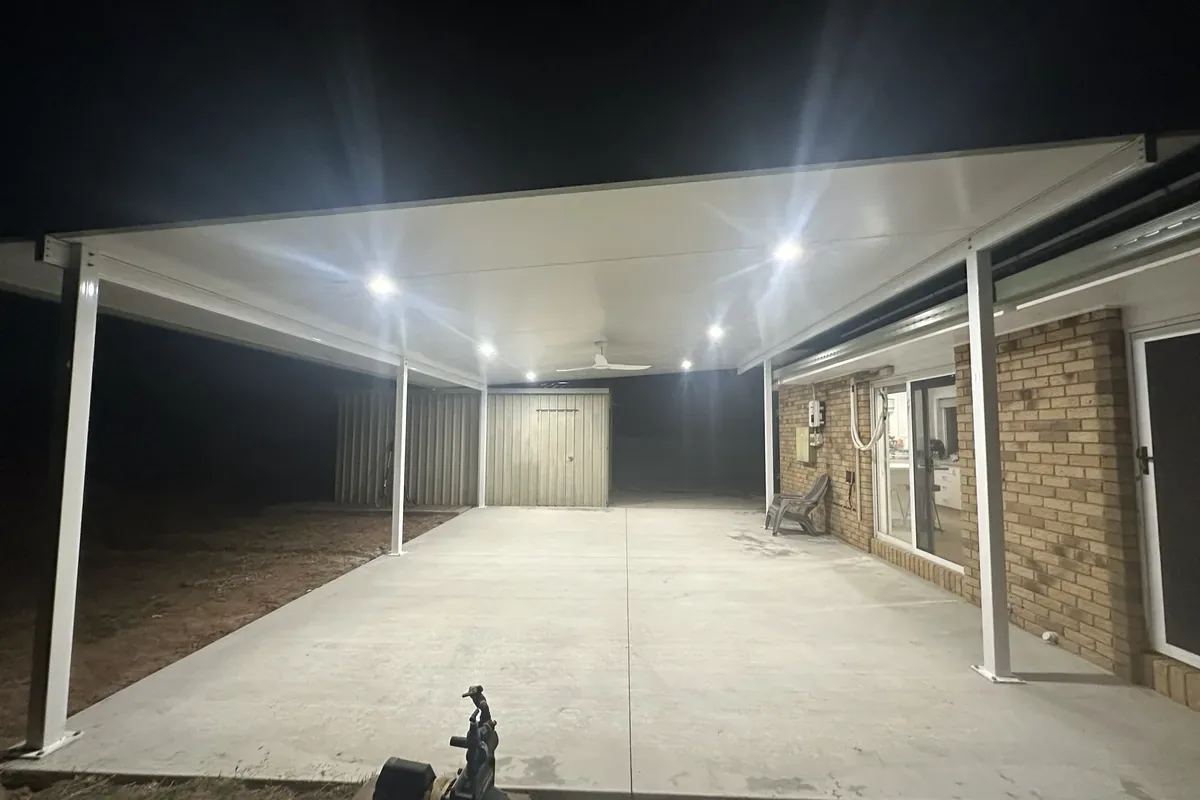
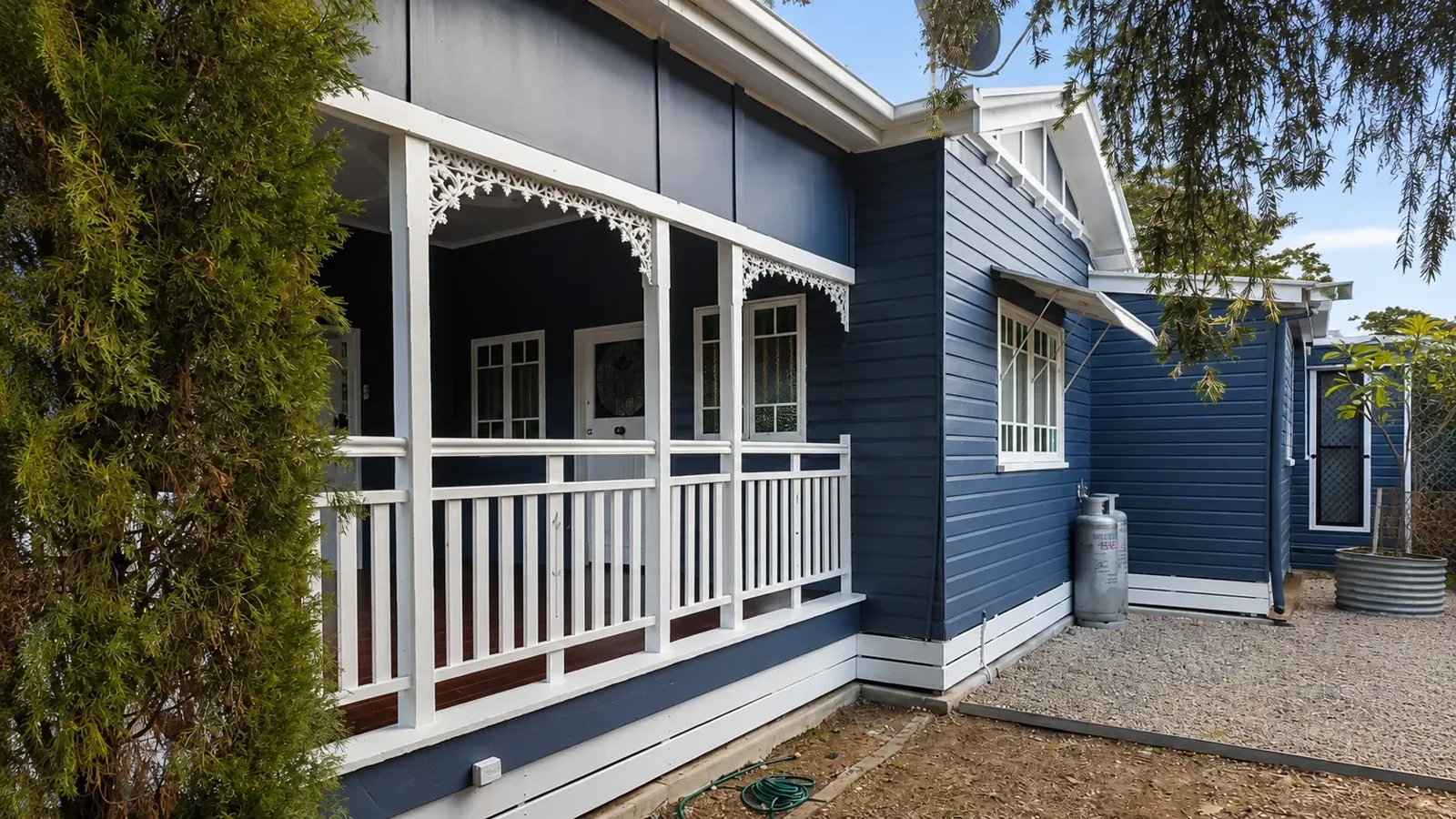
Photos tell a buyer more than any description. Add recent photos of the jobs you most want to be known for, your crew, your plant and your workshop. Google asks for photos that are in focus, well lit and not heavily filtered, and allows videos of up to 30 seconds. Photos only show once the profile is verified.

Then post. A short update about a finished job, with a photo and a link to the case study on your website, shows the business is active. Google archives posts after six months unless you set dates, so one a month keeps the profile current.

Ask business clients for reviews

Most B2B profiles carry a handful of reviews from home clients. Ask your business clients too, at the end of each job, and ask them to mention the kind of work and the town. Google says more reviews and positive ratings can lift local ranking, and a reply to each one shows you are paying attention.

Keep it consistent with everything else

The profile should say what your website says, and what your ChatGPT Business Hub listing says, because Google and AI search read all three. We set up and manage all three for our clients. If you want a second opinion on your profile, the First Impression Review covers it, at no cost.

Something to try this week.

This week, open your Google Business Profile and read it as a commercial buyer would. Check the main category, the service areas and the services list. Then look at the photos. If the newest one is more than six months old, add three photos of a recent job of the kind you most want to be known for.

References

  1. Google Business Profile Help (n.d.). Manage your service areas for service-area and hybrid businesses. Accessed November 2026.
  2. Google Business Profile Help (n.d.). Manage your services on your Business Profile. Accessed November 2026.
  3. Google Business Profile Help (n.d.). Manage your Business Profile photos and videos. Accessed November 2026.
  4. Google Business Profile Help (n.d.). Create and manage posts on your Business Profile. Accessed November 2026.
  5. Google Business Profile Help (n.d.). Tips to improve your local ranking on Google. Accessed November 2026.

Questions people also ask.

Short answers that make sense on their own.

Still deciding?

No brief needed. Tell Zach what’s going on and he’ll suggest where to start.

Does a B2B business need a Google Business Profile?

Yes. Business buyers search on Google like anyone else, and the profile is often the first thing they see, with your reviews, photos and contact details. It also feeds the answers Google and AI search give about you. A current profile shows a business client you are active and doing the work they need.

Should I show my address on Google if clients never visit?

No. Google says that if you do not serve customers at your business address, you should remove it and set service areas instead. You can list up to twenty towns, postcodes or regions. Google suggests keeping the whole area within about two hours' drive of your base.

What photos should a B2B business put on Google?

Add recent photos of real jobs closest to the work you most want to show, plus your crew, your plant or workshop and your signage. Google says photos should be in focus and well lit, without heavy filters. Photos only appear once the profile is verified. A short video of a finished job is also allowed, up to 30 seconds.

Do Google posts matter for a business that works for other businesses?

They show a buyer the business is active. A post about a finished job, with a photo and a link to the case study on your website, takes a few minutes. Google archives posts after six months unless you set dates, so one post a month keeps the profile looking current.

Your next step

Start with the Google profile people see first.

The next steps Zach sends are yours to keep, whether or not we work together.

5.0 on Google, from 3 client reviews

First Impression Review

No cost · Back in 2 business days

Zach’s deep dive, with practical next steps in a short video.

  • Everywhere you’re found
  • Your market and competitors
  • What to keep and sharpen

Rather talk it through? Talk to Zach